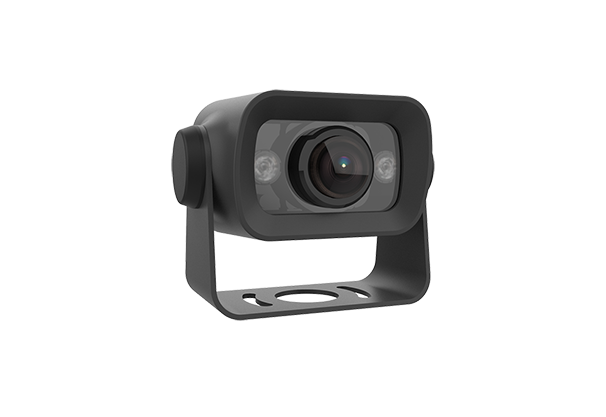
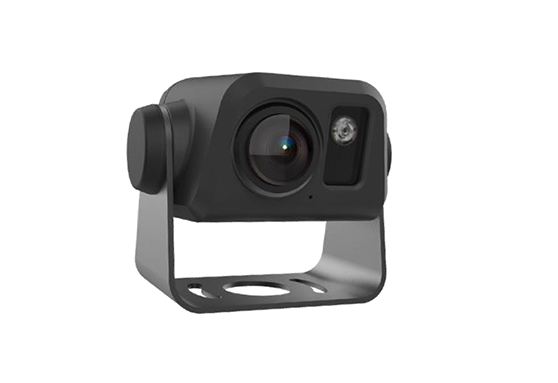
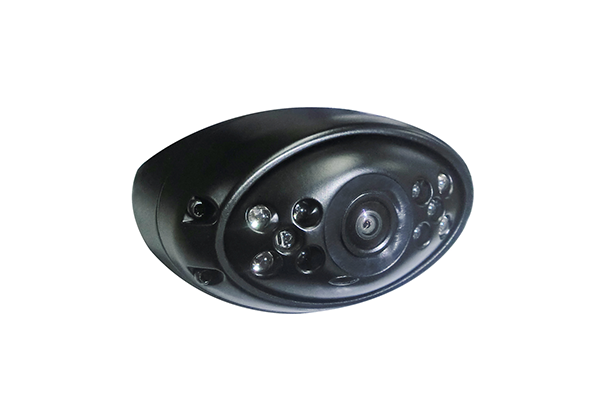
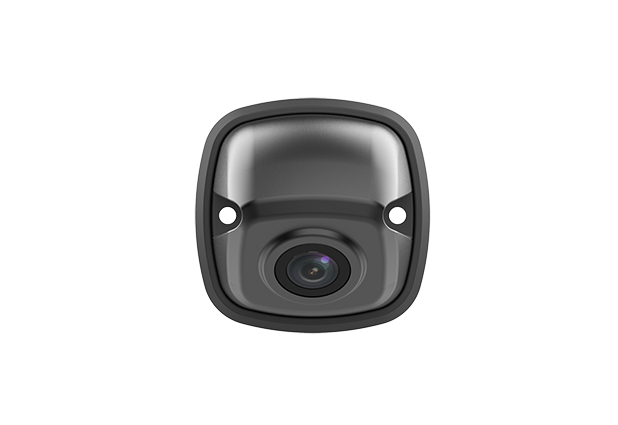


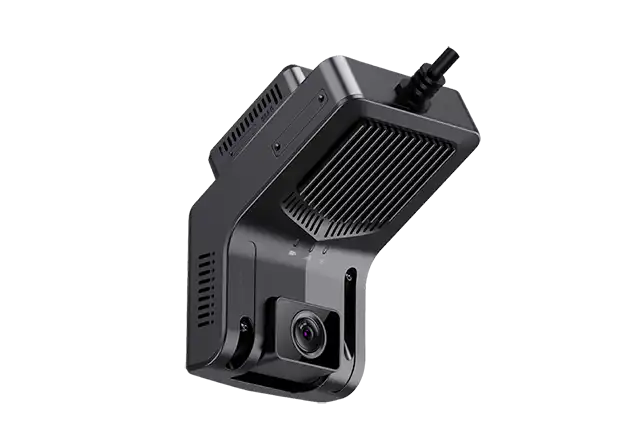
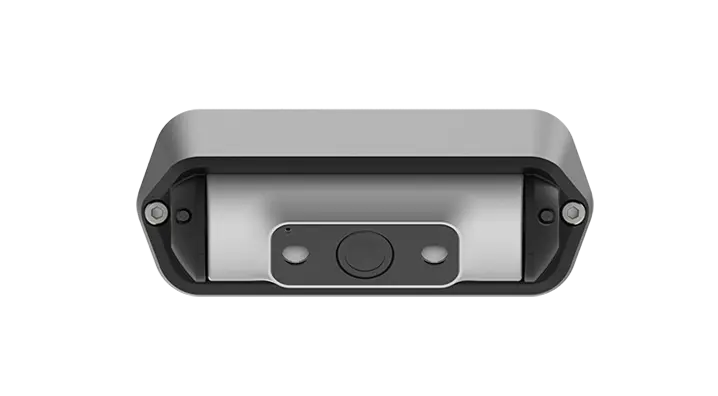

Fleet application
UN Regulation R151/R159/R158
View More








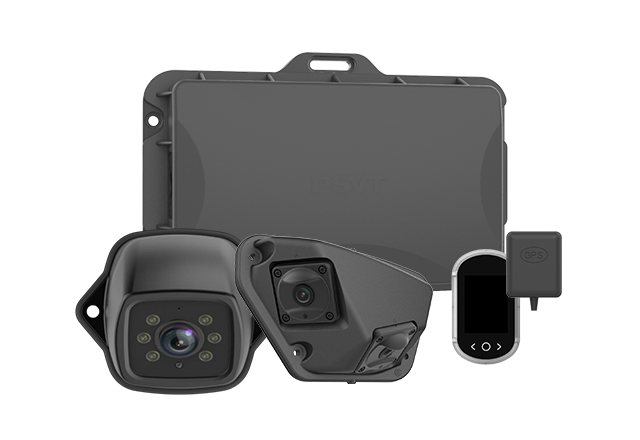
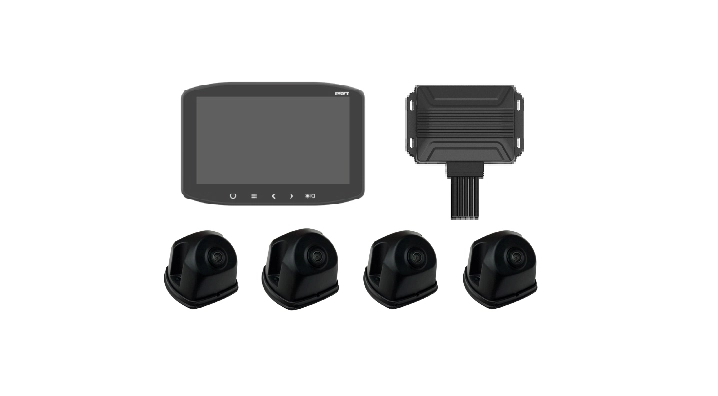
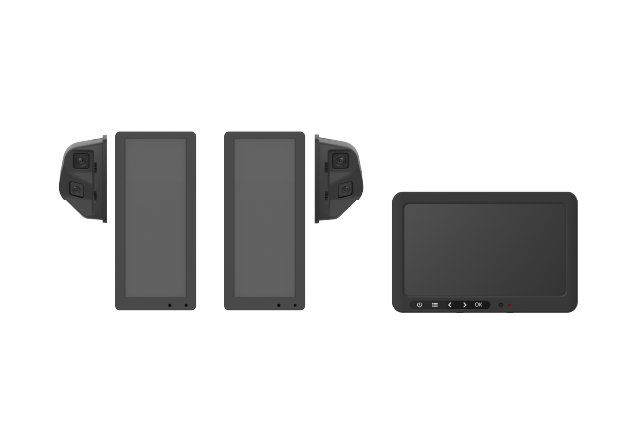
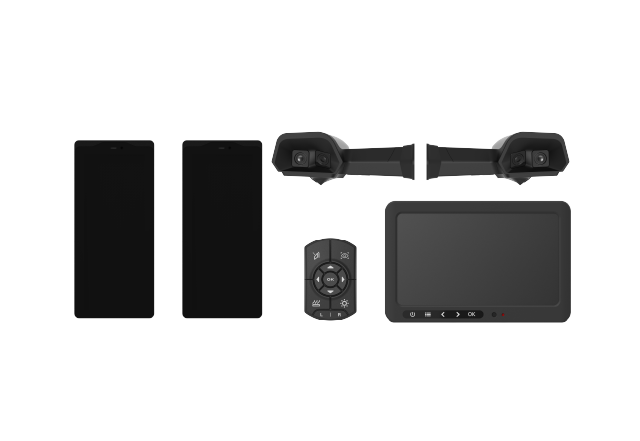
A mobile DVR 4 channel system helps commercial fleets record multiple vehicle views and investigate incidents with more context. For a fleet manager, the real buying decision goes beyond connecting four cameras. It involves choosing equipment that can capture useful footage throughout a working shift, preserve it long enough for retrieval, and fit the company’s maintenance and operating processes. This guide explains how to evaluate a four-channel vehicle recorder, plan camera coverage, estimate storage requirements, and build a practical business case.
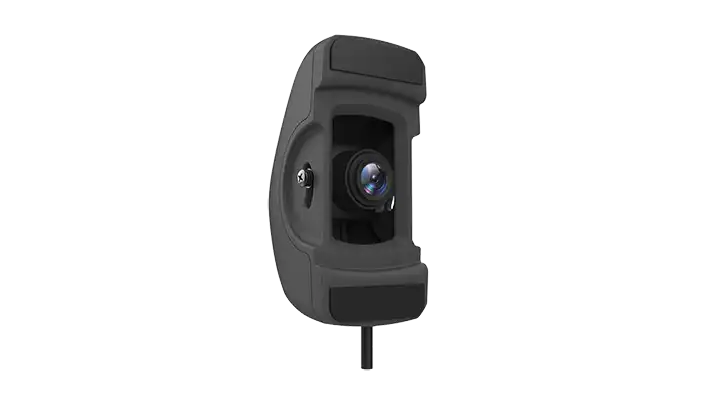
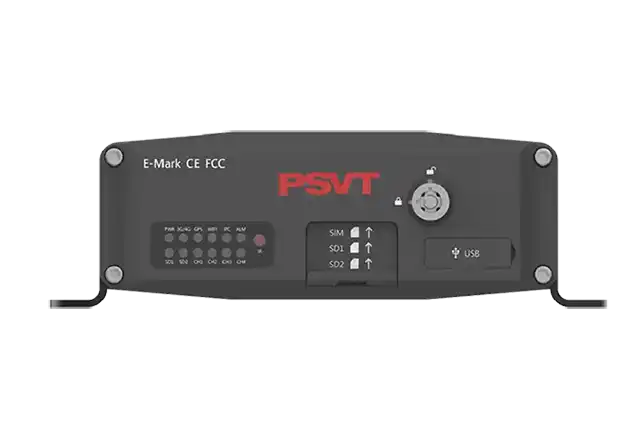
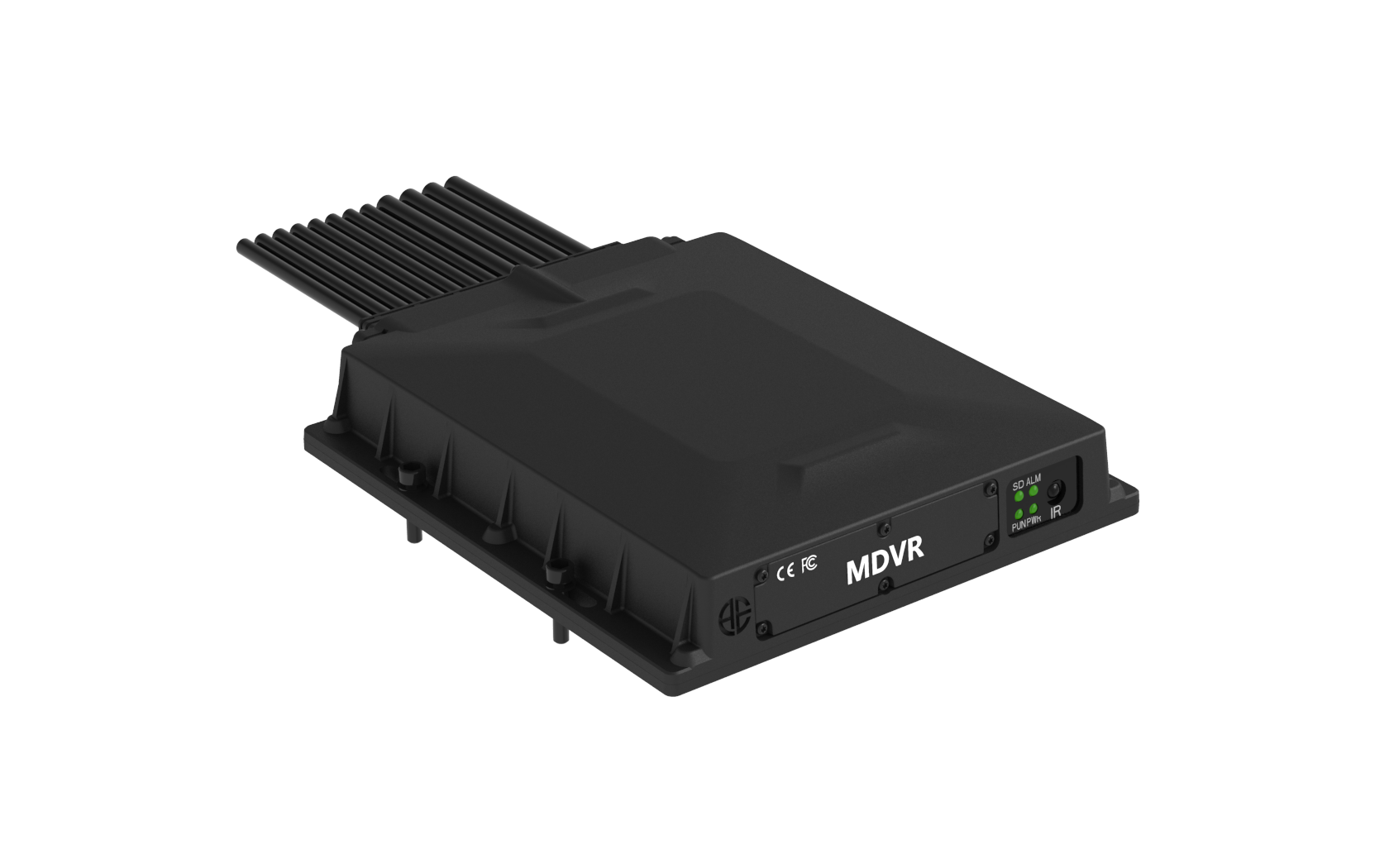
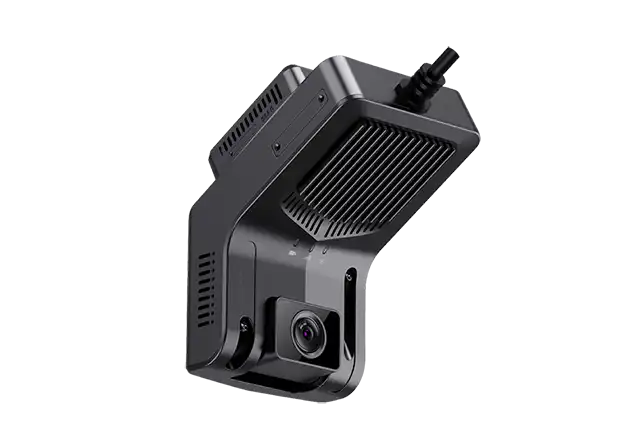
A mobile digital video recorder is designed to record footage from cameras installed on a vehicle. A four-channel model supports four video inputs, although supported camera technologies, recording resolutions, and frame rates vary by product. Buyers should check whether the quoted configuration records all four inputs simultaneously at the required settings. A recorder’s maximum advertised resolution does not necessarily describe its performance across every channel.
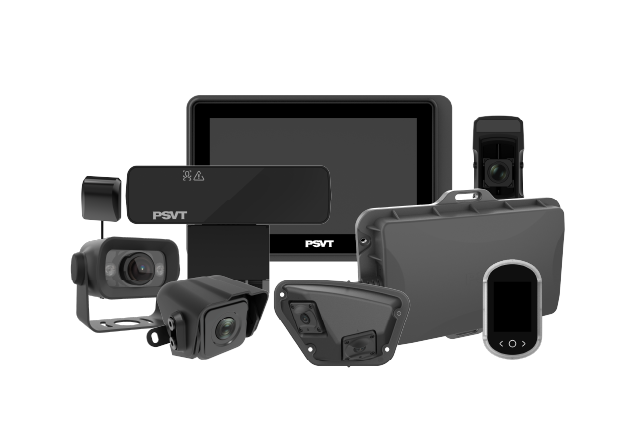
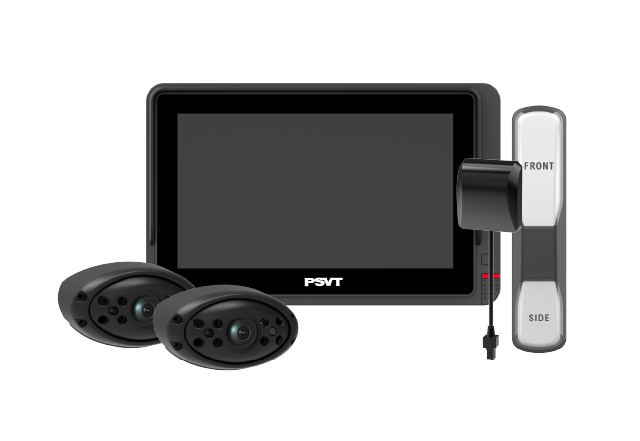
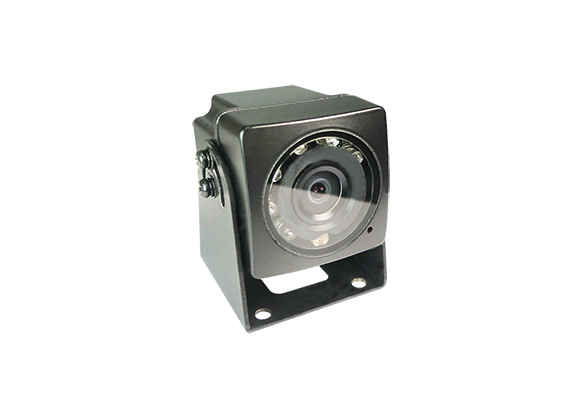
The recorder forms one part of a complete system. Cameras, cables, connectors, storage media, power wiring, playback software, and optional connectivity determine how useful the installation becomes. Some models accept analog HD cameras; others use different input combinations. Compatibility must be checked at the signal-format and wiring level, because a matching connector alone does not establish that two devices will work together.
A forward-facing camera can explain what happened ahead, but many fleet incidents begin elsewhere. A delivery truck may sustain damage while reversing into a loading area. A bus operator may need to investigate a boarding complaint. A service vehicle may experience a dispute involving activity beside the vehicle. Additional views help investigators understand the sequence of events and compare accounts against recorded evidence.
A mobile DVR 4 channel installation can provide broader incident context when cameras are positioned around the fleet’s actual risks. However, recording four views does not automatically create complete vehicle coverage. Camera position, lens selection, bodywork, trailers, and environmental obstructions still leave gaps. Recording also needs to be distinguished from active safety assistance: a system that stores footage does not necessarily detect hazards or warn the driver.
Begin with the events your business needs to understand. Review recurring damage locations, typical routes, loading procedures, passenger interactions, and the questions managers struggle to answer after incidents. Then select camera positions that address those questions. A consistent installation standard makes comparisons easier across vehicles, but different vehicle bodies may require different mounting arrangements.
|
Fleet application
|
Illustrative four-camera layout
|
Main review objective
|
|
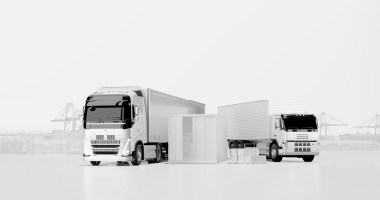
Delivery trucks
|
Front, rear, loading area, priority side
|
Road incidents and delivery activity
|
|
Buses and coaches
|
Front, entrance, passenger area, rear
|
Road events and passenger interactions
|
|
Service vehicles
|
Front, rear, cargo area, priority side
|
Maneuvers, equipment handling, and access
|
|
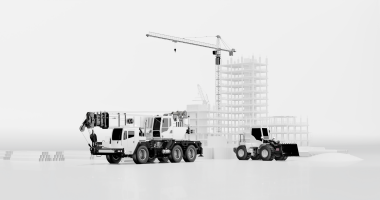
Construction vehicles
|
Front, rear, left side, right side
|
Activity around the vehicle
|
These layouts are starting points, not universal specifications. A long truck may need more than four cameras to address its priority areas, while a passenger vehicle may require several interior views. Validate proposed coverage on a representative vehicle before purchasing fleet quantities. Ask drivers and investigators whether the footage answers the questions they would face during a real incident review.
When comparing a mobile DVR 4 channel solution, evaluate recorded exports rather than relying on a live demonstration screen. The footage your team downloads after an incident is the evidence it will actually use. Request samples from all four channels operating together, with the proposed resolution, frame rate, compression settings, and bitrate. Include moving scenes, changing light, and typical camera distances.
Resolution is only one factor. A high pixel count cannot compensate for a dirty lens, excessive compression, poor exposure, motion blur, or an unsuitable viewing angle. Night performance should be assessed under working conditions, including headlights, dark loading areas, and transitions between bright outdoor light and shaded spaces. Avoid assuming that a camera will reliably capture license plates at every speed or distance simply because its recording is described as high definition.
Storage should be sized around how long footage must remain available before it is overwritten. Consider daily operating hours, aggregate recording bitrate, the number of active cameras, and the delay between an incident and a request for video. A complaint received several days later creates a different retention requirement from an event reported immediately. Define that requirement before selecting a storage capacity.
For a mobile DVR 4 channel configuration recording each camera at an average of 2 Mbps, the combined video bitrate is 8 Mbps. That equals approximately 1 MB per second, or 3.6 GB per hour using decimal units. A vehicle recording for ten hours would therefore generate about 36 GB of video per day. This is an illustrative calculation; audio, metadata, variable bitrate behavior, formatting, and reserved capacity affect real results.
At that assumed rate, 256 GB of fully usable recording space would hold roughly 71 hours, equivalent to around seven ten-hour operating days. Actual retention will be lower if usable capacity is smaller or the average bitrate is higher. Ask the supplier to demonstrate the expected retention window using the intended settings. Also establish how protected event clips interact with loop recording so that reserved footage does not unexpectedly consume the available space.
A mobile DVR 4 channel recorder must suit the conditions where it will be installed. Vehicle electrical systems, vibration, heat, dust, and moisture create demands that differ from those of a fixed indoor recording system. Compare the specified input voltage range, operating temperature, mounting requirements, connector retention, and relevant test documentation against the installation environment. A broad marketing description such as “rugged” needs supporting specifications.
Protection ratings apply to particular components and installation conditions. A weather-resistant external camera does not establish that the recorder can be mounted in an exposed location. Likewise, storage choices should reflect vibration levels, temperature, recording workload, and service access. Ask what happens when power is interrupted and how recording files are closed or recovered. Ignition-controlled operation and configurable shutdown behavior should be verified on the specific model being considered.
Local recording and remote connectivity solve different problems. Local storage preserves footage on the vehicle, while a connected platform can make selected footage easier to locate and retrieve. Depending on the hardware and service package, options may include cellular access, depot Wi-Fi transfer, location data, event notifications, or remote device status. None of these should be assumed from the channel count alone.
A connected mobile DVR 4 channel system may be valuable when vehicles operate far from the depot or managers need to review incidents quickly. Assess the full workflow: how an event is identified, who requests the clip, how much footage transfers, and what happens when coverage is unavailable. Continuous live streaming can consume substantial data, so fleets should compare event-based uploads, lower-bitrate preview streams, and depot downloads against their actual needs.
The operational value of recorded video depends on retrieval. During a pilot, ask a staff member to locate an event by vehicle, date, and time, compare the relevant views, and export a usable clip. Measure how long the process takes and whether playback requires proprietary software. Confirm that exported files retain the information needed for an investigation and can be shared with authorized recipients.
Accurate timestamps are especially important when comparing footage with dispatch records or incident reports. Check time synchronization, timezone settings, and daylight-saving handling where relevant. Establish a process for preserving original files and documenting who retrieved them. For connected systems, assess account permissions, remote access controls, update support, and recording-health visibility. A failed camera or full storage device should become a maintenance task before missing footage becomes an investigation problem.
The business case for a mobile DVR 4 channel deployment should reflect the fleet’s own incident patterns and administrative workload. Potential benefits include faster fact-finding, better documentation of vehicle damage, more focused coaching, and clearer review of service complaints. These outcomes depend on usable footage and consistent follow-through. A recorder purchase alone cannot guarantee fewer collisions, lower insurance premiums, or successful claim outcomes.
Compare total ownership cost across the planned service period. Include cameras, storage, installation labor, mounting hardware, software subscriptions, connectivity, replacement media, maintenance, and staff time. A lower purchase price may be less attractive if retrieving footage requires repeated vehicle visits. Conversely, a fleet with vehicles returning to one depot may have little need for an expensive connectivity package. The strongest proposal connects each paid feature to a specific operational requirement.
A representative pilot should include the vehicles, routes, lighting conditions, and working shifts that place the greatest demands on the system. Test recording startup, simultaneous camera capture, storage overwrite behavior, retrieval, and export. Inspect footage after rain, night operation, and routine cleaning. Include maintenance staff so that cable routing, component access, and fault diagnosis are assessed alongside image quality.
Set acceptance criteria before the pilot begins. These might include a minimum retention window, acceptable retrieval time, clearly defined camera coverage, and reliable recording throughout the planned shift. Review results with operations, safety, IT, and the people who will handle incidents. Once the configuration passes, document camera angles, wiring, recording settings, and inspection procedures so that later installations reproduce the tested performance.
The right mobile DVR 4 channel system fits the vehicle, captures the required views, and supports a repeatable evidence workflow. Buyers should prioritize demonstrated recording quality, realistic retention, reliable operation, and straightforward retrieval. Optional features become worthwhile when they remove a measurable obstacle in the fleet’s daily work.
Before requesting a quotation, prepare a short brief covering vehicle types, camera positions, working hours, retention needs, installation conditions, and remote access requirements. Ask suppliers to respond to the same brief and demonstrate the same scenarios. That approach creates a clearer comparison and helps the fleet select a recording system that remains useful long after installation.
It means the recorder supports four video inputs. Buyers should verify that all four can record simultaneously at the required resolution and frame rate, because performance limits and input combinations vary between models. Channel count describes input capacity; it does not establish camera quality, storage duration, or remote access capability.
Yes, a model configured for standalone local recording can store footage without internet access. Remote viewing, cloud services, and wireless uploads require the appropriate hardware, network connection, and service support. Ask the supplier to demonstrate what continues recording when connectivity is lost and how footage is retrieved afterward.
Retention depends on usable storage capacity, combined bitrate, recording hours, audio, and protected footage. Estimate it by dividing usable storage by the amount recorded per hour, then confirm the result in a pilot. Capacity alone cannot establish retention without knowing the recording settings and daily operating pattern.
Possibly. Check the camera signal format, resolution, power requirements, connector pinout, and recorder compatibility before committing to reuse. An adapter may change a physical connection without converting the underlying video signal. Test each intended camera type with the proposed recorder and inspect the recorded output.
Not automatically. Four separate recordings do not constitute a calibrated surround-view image. A stitched bird’s-eye display requires compatible surround-view processing, suitable cameras, and calibration. Confirm separately whether the proposed system supports recording, live multi-camera display, stitched surround view, or a combination of these functions.
Only when explicitly supported by the selected hardware, cameras, software, and configuration. Recording capability does not establish pedestrian detection, driver monitoring, or audible warnings. Ask the supplier to identify which features are standard, which require additional equipment, and how each function will be validated.
Request simultaneous four-channel sample recordings, a storage calculation, electrical and environmental specifications, camera compatibility details, and a demonstration of clip retrieval. Obtain a complete quotation covering installation, subscriptions, connectivity, warranty, and support. A representative pilot provides stronger purchasing evidence than specifications alone.