UN Regulation R151/R159/R158
View More








A disputed collision, an unexplained cargo complaint, or a near miss can leave fleet managers with conflicting accounts and little evidence. Dash Cams for Truck fleets help close that information gap by recording what happened around the vehicle. For commercial operators, however, choosing a camera involves more than checking resolution or finding the lowest price. The right system must capture useful footage, preserve it reliably, and make it accessible when someone needs to act. This guide explains how to evaluate truck dash cameras around real fleet requirements, from incident investigation and driver coaching to storage planning and long-term operating costs.
Commercial trucks operate across highways, distribution centers, construction sites, and crowded urban streets. Each environment creates different risks. A forward-facing camera may capture a sudden lane change on a motorway, yet miss contact along a trailer during a tight delivery. A camera that looks sharp in daylight may lose critical detail when headlights, rain, or a dark loading bay challenge its sensor.
Recording also delivers limited value if footage is difficult to retrieve. Fleet teams need to connect video with a vehicle, timestamp, location, and reported event. A useful system supports that process without requiring hours of manual searching. Its business value comes from helping people answer practical questions: What happened? Which vehicles were involved? What conditions contributed? What action should follow?
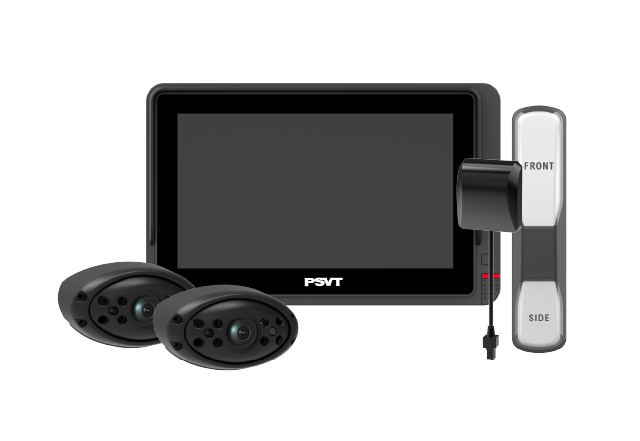
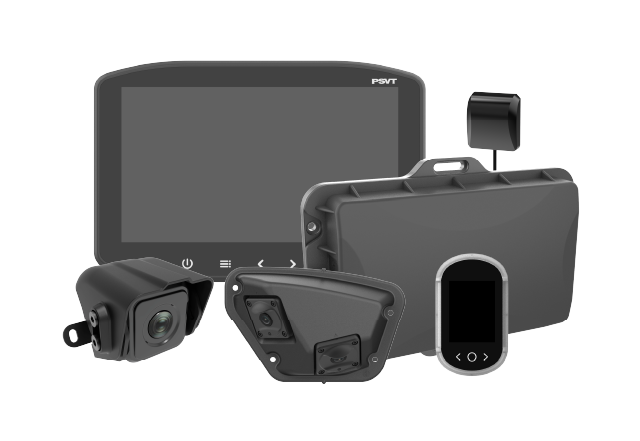
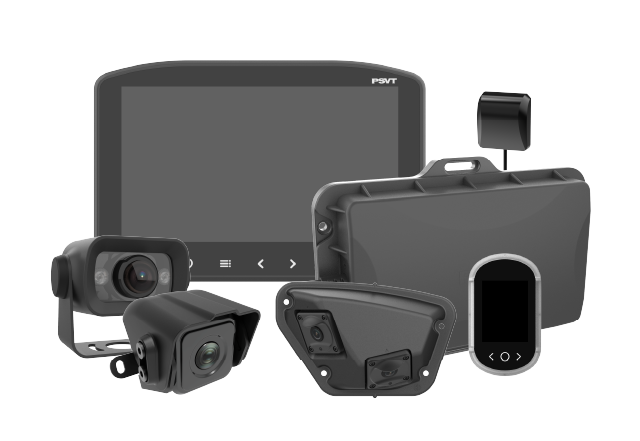
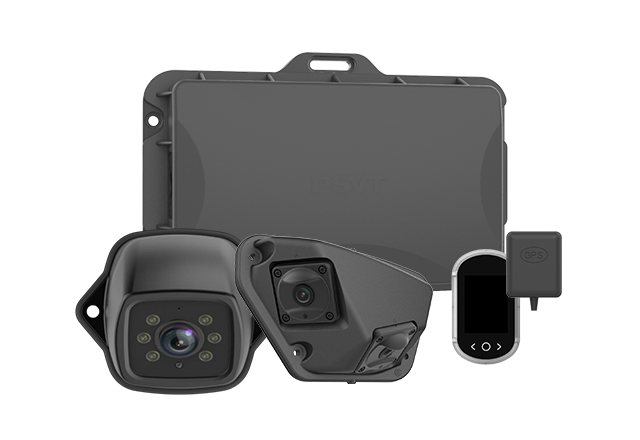
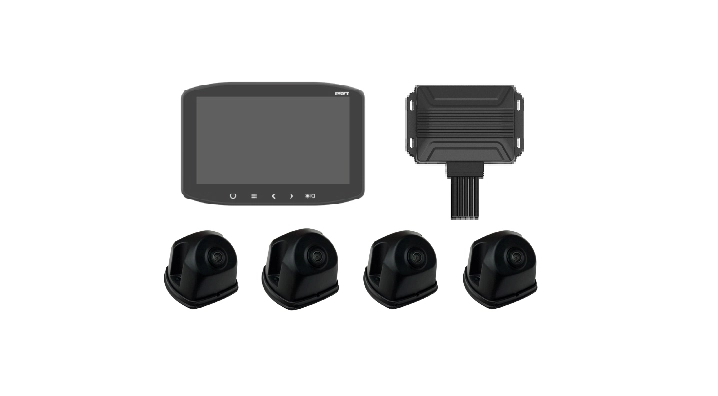
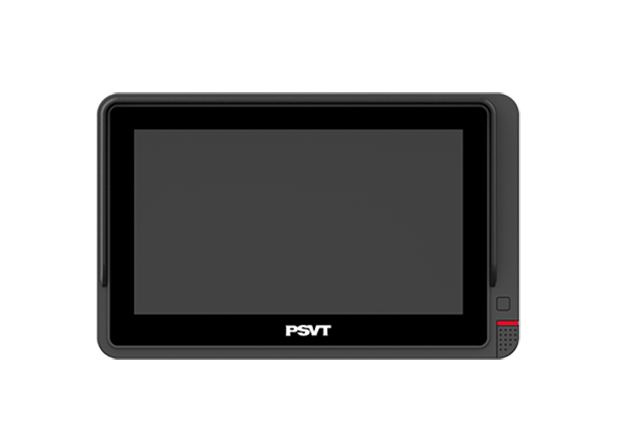
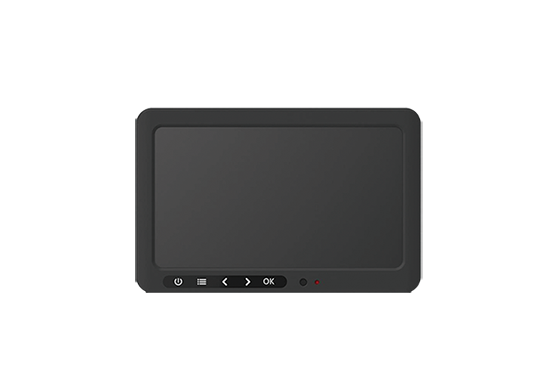
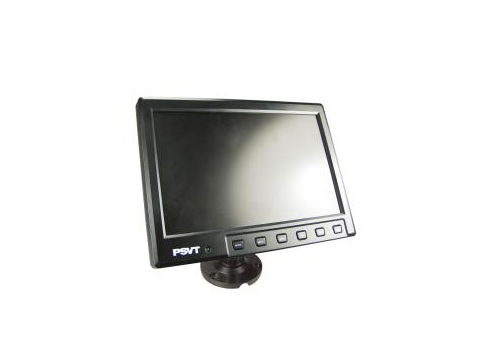
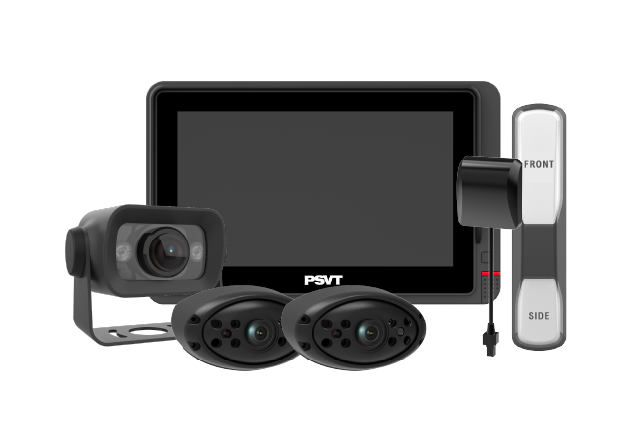
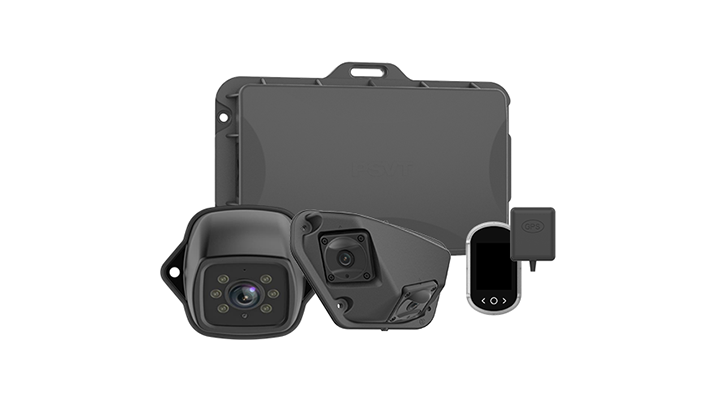
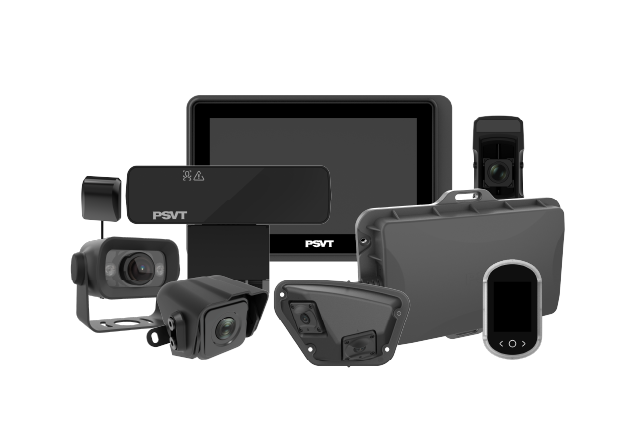
These systems combine one or more vehicle cameras with recording hardware and, in connected configurations, software for remote access and event management. A basic installation records the road ahead onto local storage. More advanced systems can include a driver-facing camera, exterior side cameras, a rear camera, GPS information, event triggers, and cellular connectivity.
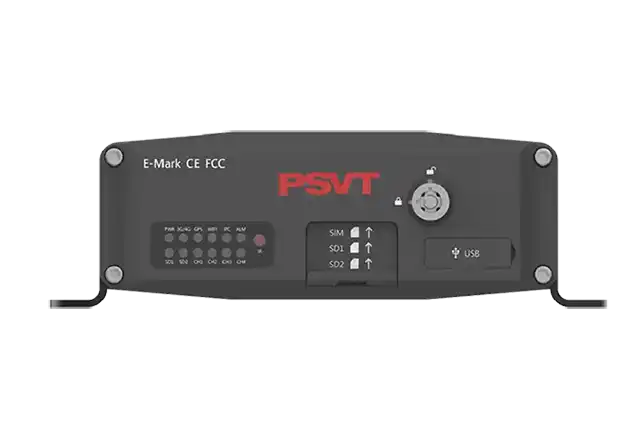
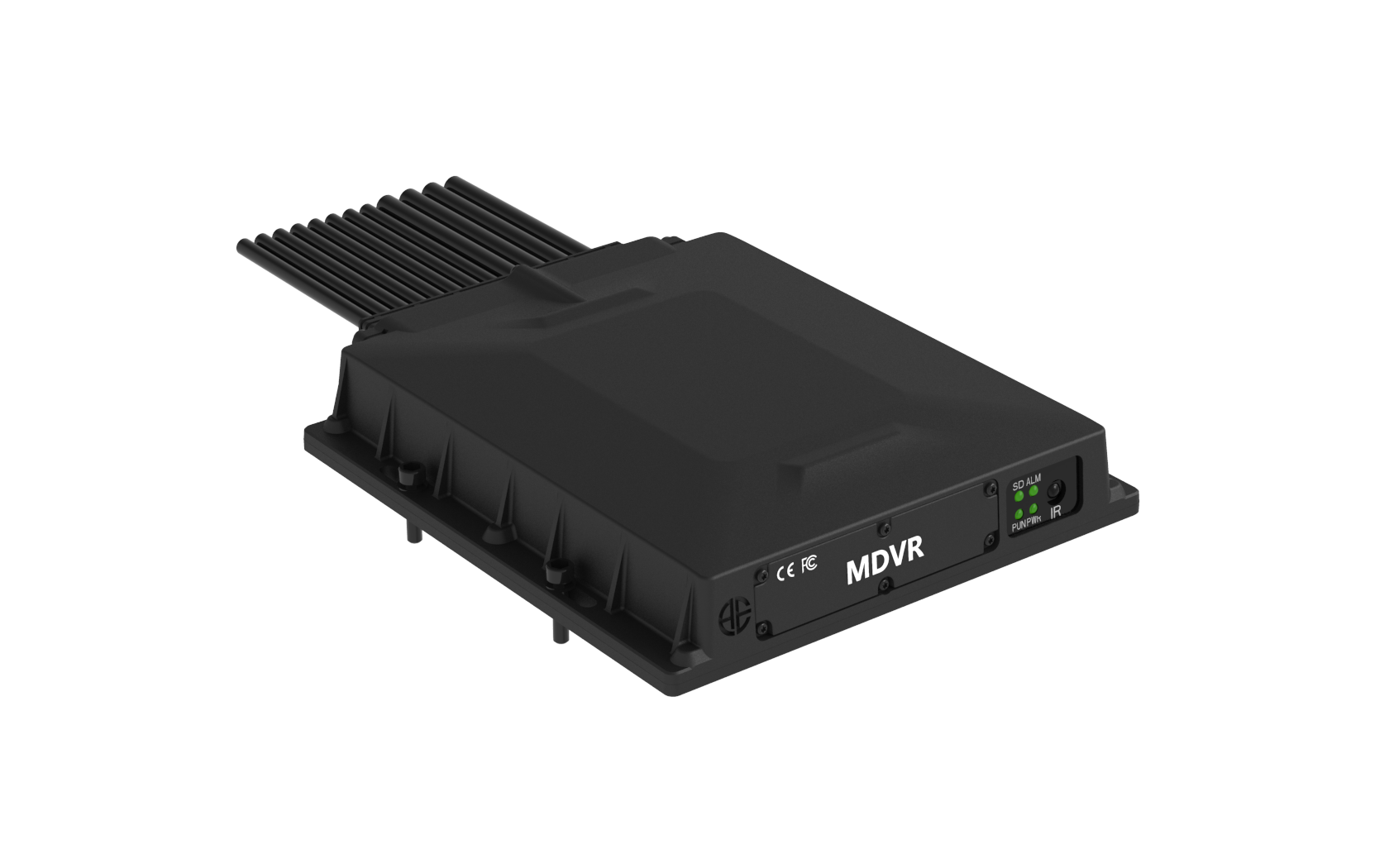
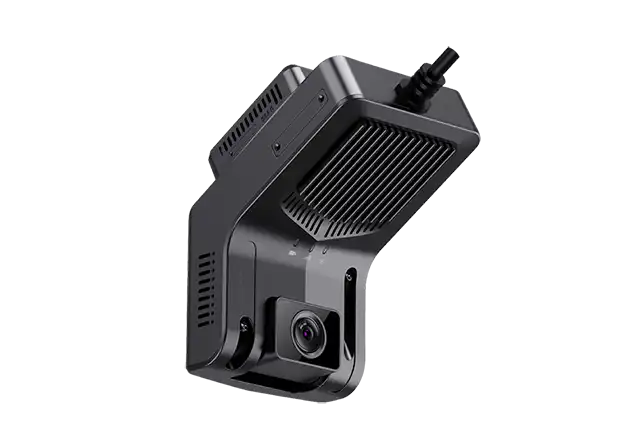
Buyers should distinguish between a compact dash camera and a multi-channel mobile digital video recorder, often called an MDVR. An integrated dash camera may suit straightforward forward recording. An MDVR can support a broader installation with cameras positioned around a larger vehicle. Neither configuration is automatically better; the appropriate choice depends on required coverage, installation constraints, and how the fleet intends to use its recordings.
Before comparing products, review the incidents that create the most uncertainty or administrative work. Highway operators may prioritize forward collisions, sudden braking, and lane changes. Urban delivery fleets may need evidence of side contact, pedestrian interactions, and reversing maneuvers. Construction fleets may require visibility around access roads, loading areas, and vehicles operating near workers.
Translate those situations into a coverage plan. Identify which camera should capture each event and what detail investigators need to see. This prevents a common purchasing mistake: buying a capable recorder while leaving important areas outside its field of view. It also provides a clear basis for evaluating demonstrations, requesting sample footage, and deciding whether additional cameras justify their cost.
Video can add context that vehicle data alone cannot provide. A harsh-braking alert identifies rapid deceleration, but footage may show a vehicle cutting in, debris in the road, or a queue forming beyond a bend. Reviewing the surrounding sequence helps a safety manager understand the driver’s response instead of judging the event solely from a sensor threshold.
The review process should preserve context. Request sufficient footage before and after the trigger, together with synchronized views where available. Export original recordings and relevant metadata through a documented process. Footage can support claims review and internal investigation, but it does not guarantee a particular liability decision. Its usefulness depends on image quality, coverage, completeness, and the circumstances of the incident.
A forward-facing camera provides a view of traffic, road conditions, and developing hazards. A driver-facing camera can support an agreed coaching program by adding information about driver activity. Side and rear cameras help explain events that occur beyond the windshield, including close passes, turning contact, reversing incidents, and activity near loading areas.
When comparing Dash Cams for Truck applications, assess the complete vehicle combination. A tractor and trailer introduce different mounting, cabling, and maintenance requirements from a rigid truck. If trailers are exchanged frequently, ask how camera connections are handled and how missing channels are reported. A well-planned installation should remain practical during everyday vehicle changes, servicing, and equipment replacement.
Resolution describes pixel count, but it does not establish whether footage will answer an investigator’s questions. Lens quality, exposure control, compression, mounting angle, and motion handling all influence usable detail. A wide field of view captures more surroundings, although distant objects occupy fewer pixels. Positioning and lens selection therefore matter as much as the headline resolution.
Request recordings from conditions similar to your routes: nighttime roads, wet surfaces, tunnels, low sun, and vehicles approaching with headlights. Examine moving objects rather than relying on paused promotional images. If license plate readability matters, define the distance, speed, and lighting conditions involved. No camera should be assumed to capture every plate under every operating condition.
AI functions may identify selected driving events, driver behaviors, or objects around the vehicle. Depending on the product, features can include forward collision warnings, lane departure warnings, distraction detection, or pedestrian and vehicle detection through compatible external cameras. Buyers should ask which functions are included, which require extra hardware, and which depend on a subscription.
For Dash Cams for Truck buyers, practical accuracy matters more than a long feature list. Evaluate missed events, unnecessary alerts, and performance across the fleet’s operating environments. Confirm whether processing takes place onboard or in the cloud and whether alerts continue without connectivity. AI warnings assist drivers and reviewers; their effectiveness still depends on installation, calibration, operating conditions, and appropriate human response.
Storage capacity alone cannot tell you how many days of video a system retains. Retention depends on camera count, average bitrate, recording hours, compression settings, and the portion of capacity available for ordinary recording. Event-protected files may also reduce the space available for loop recording.
Consider four cameras averaging 2 Mbps each. Their combined 8 Mbps stream produces approximately 3.6 GB per hour. At 12 recording hours per day, that is about 43.2 GB daily. A nominal 1 TB therefore represents roughly 23 recording days before formatting, reserved space, protected footage, and other overheads. Use this as a planning calculation, then verify actual retention with representative recordings and the proposed settings.
Dual-card support can increase available capacity, but implementations differ. Some devices write sequentially across two cards; others allocate particular channels or functions to each card. Mirrored recording, where supported, creates duplicate copies and changes the usable capacity calculation. Ask the supplier to explain normal recording behavior and what happens when either card fails.
When specifying Dash Cams for Truck fleets, request supported card types, maximum capacity per slot, endurance requirements, and replacement guidance. Confirm whether users receive a clear warning for missing, unreadable, or worn storage. Continuous recording creates sustained write activity, so procurement should consider storage reliability and monitoring alongside the initial capacity figure.
Local recording can suit fleets whose vehicles return regularly to a depot and whose staff can retrieve files when required. Wi-Fi transfer may simplify scheduled uploads where yard coverage and dwell time are sufficient. Cellular connectivity can support remote clip requests and event uploads while vehicles operate away from base.
Define the retrieval workflow before choosing connectivity. Determine who requests footage, how quickly they need it, and how much video they typically review. Continuous remote viewing can create different data requirements from uploading short event clips. Also confirm that local recording continues during network outages and establish what happens to pending uploads when the vehicle reconnects.
A recorder can appear functional while one channel is disconnected, its lens is obscured, or its storage has stopped writing. For this reason, operational visibility deserves a place in the buying criteria. Depending on system capability, useful health indicators may include camera status, recording status, storage condition, last connection time, and power-related faults.
A deployment of Dash Cams for Truck vehicles should include a response process for these faults. Assign responsibility, define repair priorities, and check whether maintenance teams can identify affected vehicles quickly. Ask suppliers to demonstrate failure reporting during a trial. Finding a recording problem before an incident is far more useful than discovering it during an investigation.
Installation affects image quality, uptime, and serviceability. A poorly positioned camera may record reflections, lose visibility behind accessories, or leave an important area uncovered. Exterior cameras also require secure mounts, suitable environmental protection, protected cable routing, and connections appropriate to the vehicle’s operating conditions.
Request a documented installation standard for each vehicle type. It should cover camera views, power connections, cable routing, configuration, and acceptance footage. Confirm compatibility with the vehicle’s electrical system and any proposed parking-recording function. Before accepting an installation, verify every channel, timestamps, event recording, playback, and export. Consistency across vehicles makes both maintenance and incident review easier.
Drivers should understand why cameras are being introduced, what they record, and how footage will be used. Explain the review process, who can access recordings, and how drivers can provide context. If driver-facing video or audio is proposed, address those functions explicitly rather than leaving staff to infer how monitoring works.
Privacy, employment, audio-recording, and mounting requirements depend on the deployment location and configuration. Review applicable requirements before rollout. Alongside that review, define access permissions, retention periods, export controls, and secure deletion procedures. The FTC’s business guidance supports limiting unnecessary data collection, controlling access, and maintaining a written retention policy. These principles provide a useful foundation for managing fleet video responsibly.
The purchase price of Dash Cams for Truck fleets is only one part of the budget. Include installation, storage replacement, connectivity, software subscriptions, accessories, training, maintenance, and the staff time needed to review events. Ask suppliers to distinguish included functions from optional services and explain what access remains available if a subscription ends.
Pilot the proposed system on vehicles representing different routes and working conditions. Measure recording availability, usable incident footage, retrieval time, alert relevance, and maintenance effort. Include drivers, safety managers, IT staff, and technicians in the evaluation. Set acceptance criteria before the trial so the final decision reflects observed performance and operational fit rather than the most persuasive demonstration.
A successful camera program needs an owner and a routine. Define how incidents enter the review queue, which events deserve priority, and when footage must be preserved. Establish a fair coaching process that uses context and recognizes appropriate driver responses as well as opportunities for improvement.
Track outcomes you can substantiate, such as faster footage retrieval, fewer unexplained recording gaps, and reduced time spent reconstructing events. Claims costs and collision trends may also be relevant, although changes can reflect many factors beyond cameras. The strongest investment case connects reliable recording with a clear operating process and measures the improvements the fleet can actually demonstrate.
Start with incident coverage, usable image quality, recording reliability, and footage retrieval. Then evaluate connectivity, AI functions, integration, support, and total cost. A system with fewer features may still meet your needs if it records the right views consistently and fits your team’s workflow.
Commercial systems may offer broader power compatibility, multiple camera inputs, remote management, configurable event recording, and fleet software integration. Capabilities vary considerably between products. Compare the actual specifications, support arrangements, and demonstrated performance rather than relying on a “commercial” label.
Retention depends on usable storage, camera count, bitrate, recording hours, and protected-event settings. Ask for a calculation based on your configuration and verify it during a trial. A stated retention period is meaningful only when its recording assumptions are clearly defined.
Many systems record locally without an internet connection. Connectivity is typically required for functions such as remote access, cloud uploads, and online fleet management. Confirm which features remain available offline and whether queued clips upload automatically after connectivity returns.
A discount is not guaranteed. Insurers may assess camera programs differently, and terms can depend on the fleet, policy, location, and implementation. Ask your insurer about specific requirements before including premium savings in the business case.
A forward-facing camera cannot provide complete side and rear coverage. Additional cameras may be needed for turning, reversing, trailer-side incidents, or loading activity. Recording coverage and active blind spot detection are separate capabilities that should each be verified.
Explain the purpose before installation, demonstrate what the system captures, and provide a clear access and review policy. Give drivers a way to discuss events and correct missing context. Apply the policy consistently, and use footage to recognize safe decisions as well as support coaching.