UN Regulation R151/R159/R158
View More







A Wireless Monitor Solution helps commercial vehicle operators see behind trucks, trailers, and working equipment while reducing the need for a long video cable between the camera and the cab. For fleet managers, this addresses two connected challenges: limited rear visibility and the practical difficulty of retrofitting camera equipment across large vehicles. Whether a grain truck is reversing toward a receiving bay or a dump truck is approaching an unloading position, a useful system must deliver a clear, dependable view that fits the vehicle, the working environment, and the driver's daily routine.
Commercial vehicles work around loading docks, storage yards, construction sites, and narrow access roads. Their size and body structure can make the area immediately behind them difficult to observe from the driving position. A long trailer, enclosed cargo body, or dump body can obstruct the driver's direct view, while mirrors provide different perspectives that may leave important areas unseen. During a reversing maneuver, the driver may need to assess obstacles, nearby activity, and the intended stopping position at the same time.
The consequences extend beyond contact with another vehicle. An interrupted delivery, damaged loading infrastructure, or repeated repositioning can disrupt the entire workflow. A rear camera gives drivers an additional visual reference when approaching a bay or checking clearance. Its value depends on whether the displayed image covers the relevant area and remains usable throughout the maneuver. Installing a camera is therefore an operational design decision, rather than simply adding another screen inside the cab.
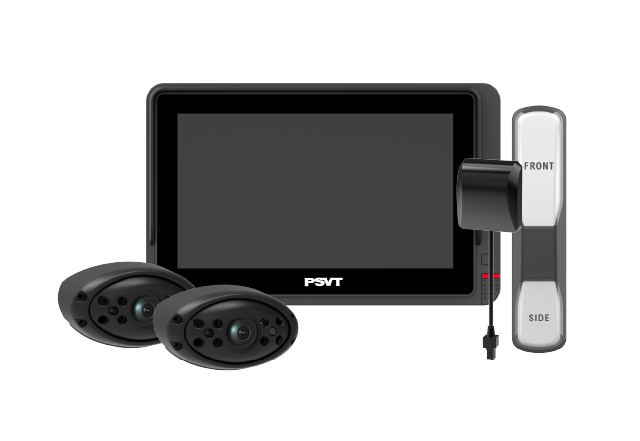
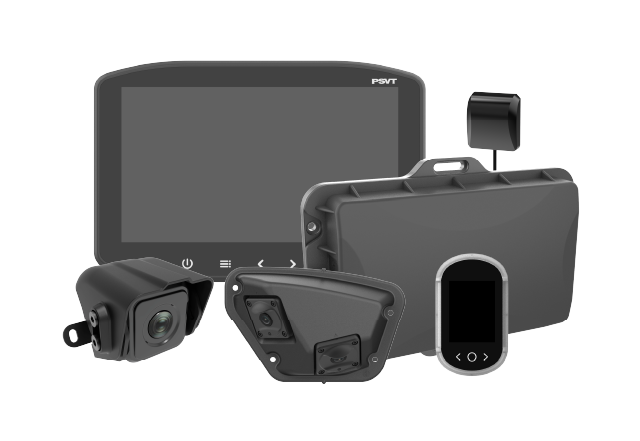
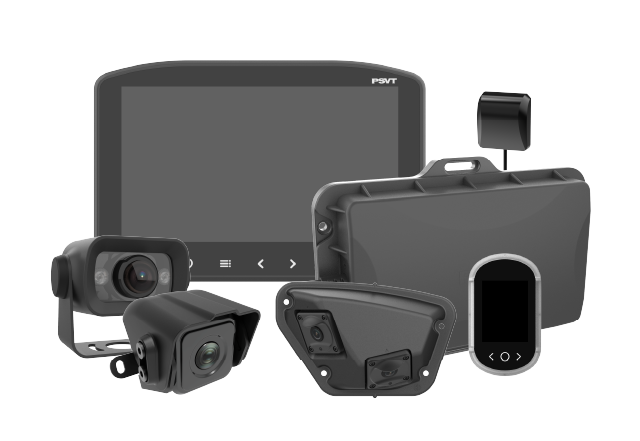
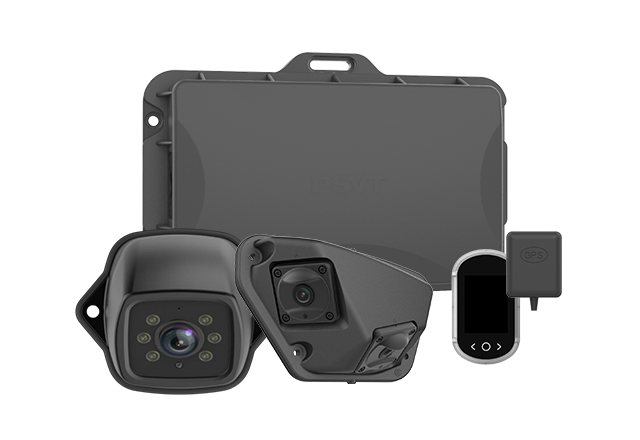
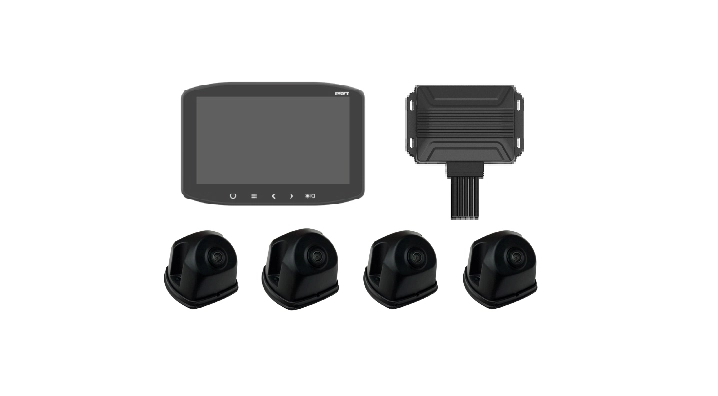
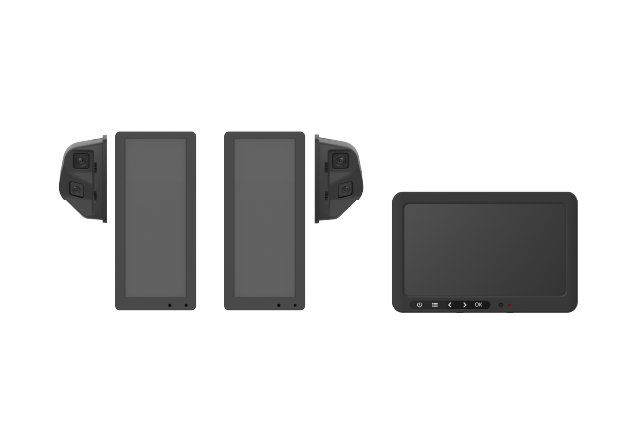
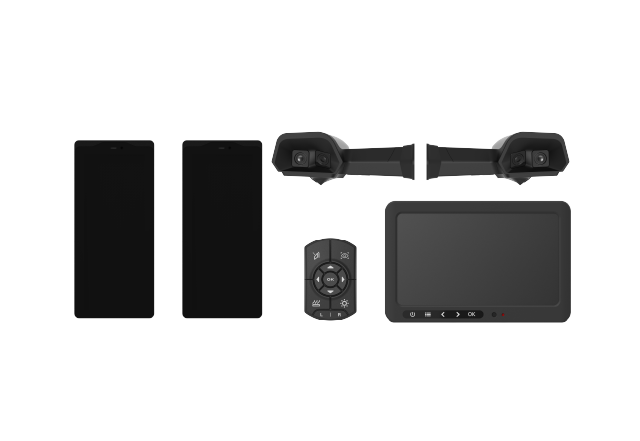
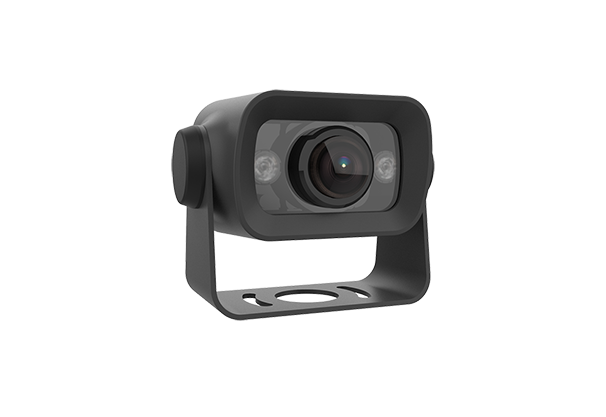
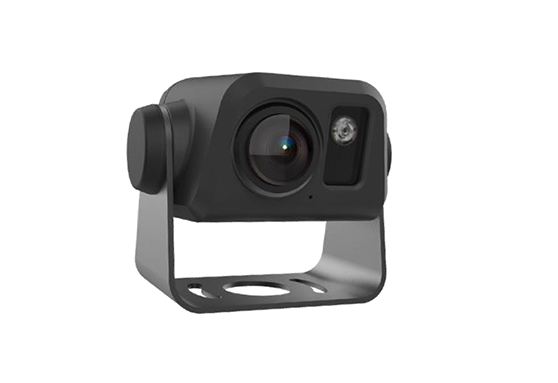
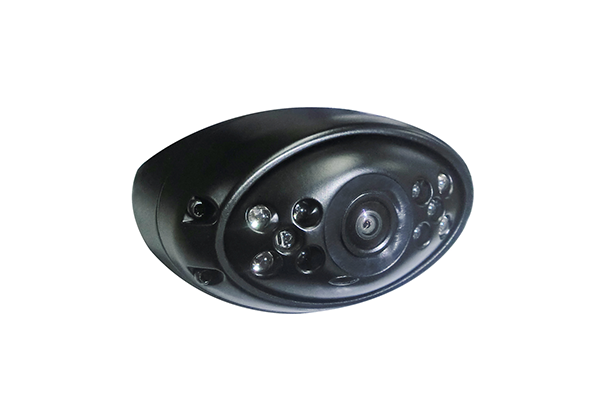
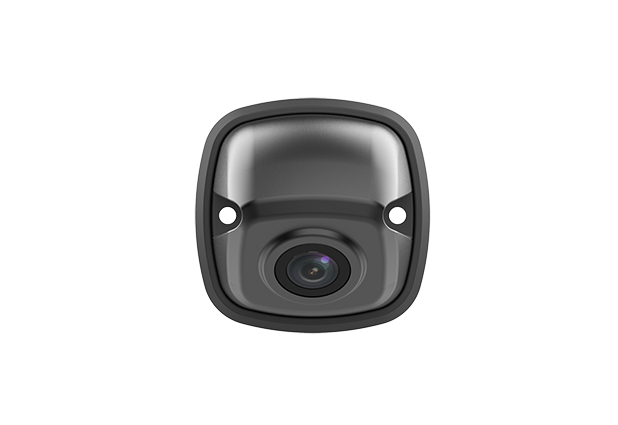
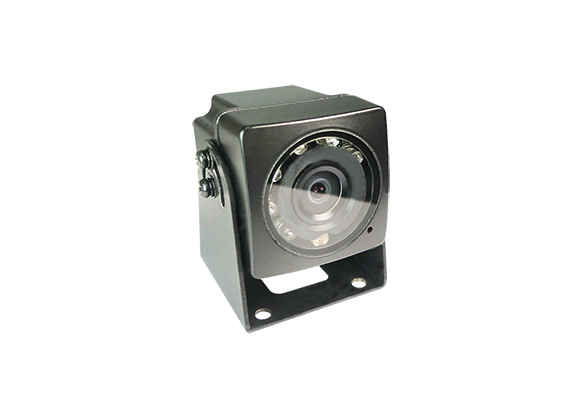
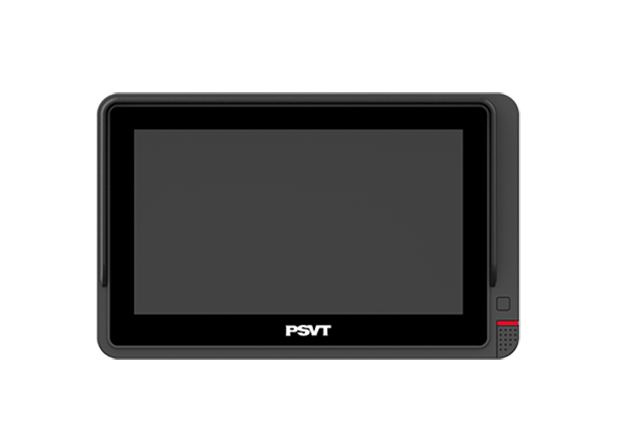
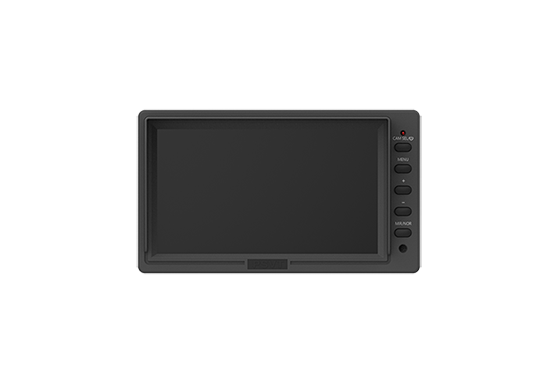
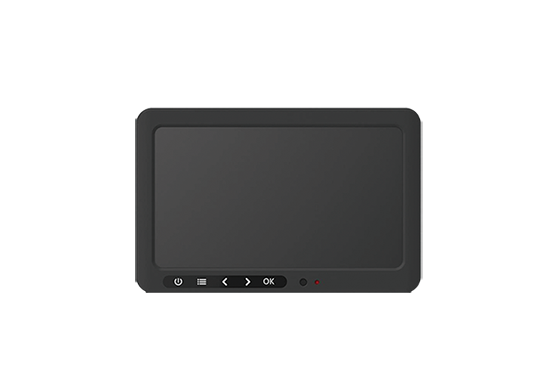
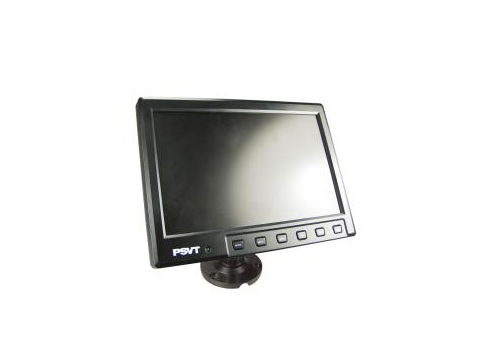
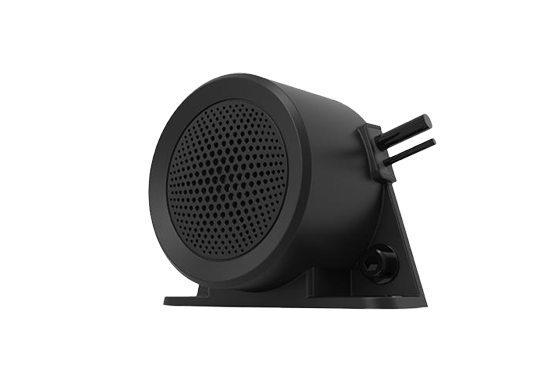
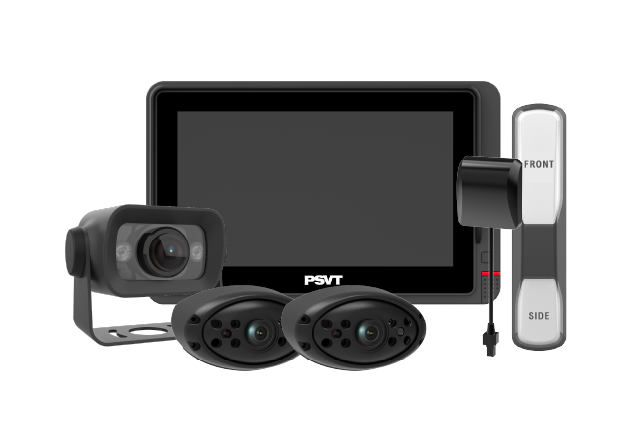
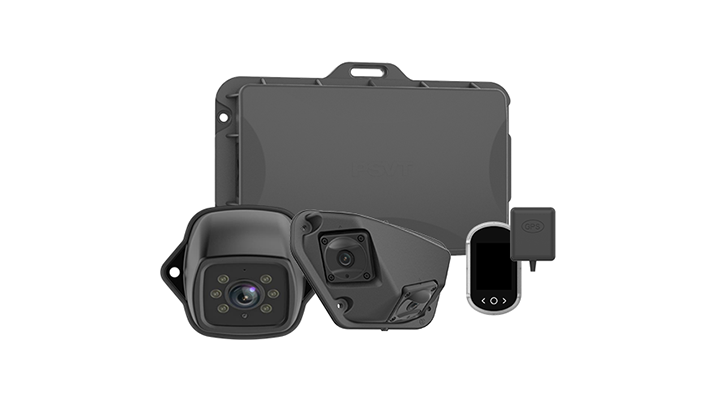
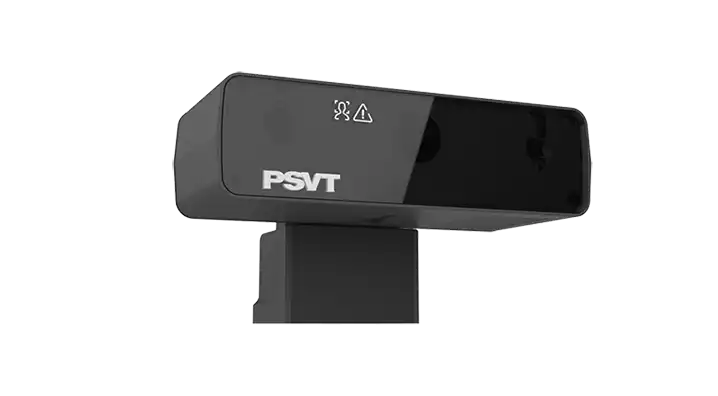
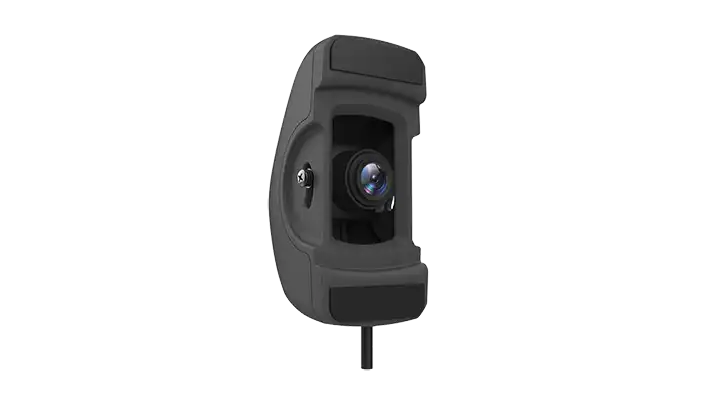
A typical Wireless Monitor Solution combines an externally mounted camera with an in-cab display and a wireless video connection. The camera captures the selected area, and the monitor presents the transmitted image to the driver. Depending on the design, the radio transmitter and receiver may be integrated into the camera and monitor or supplied as separate components. Camera quantity, viewing modes, automatic switching, and recording support vary between products and should be confirmed before purchase.
The distinction between wireless video and wireless power matters. Removing the long video cable does not automatically remove the need for electrical connections. The camera and monitor still require a suitable power source, whether that comes from the vehicle or from a supported battery arrangement. A rear camera powered only when reverse gear is selected may behave differently from a continuously powered camera. Buyers should define when the image must be available before deciding how the system will be connected.
Running a video cable from the rear of a commercial vehicle to the driving position can involve long routing distances, protective conduit, body access, and work around moving components. Different vehicle bodies may require different installation methods, even within the same fleet. On articulated combinations, the connection between tractor and trailer adds another installation consideration. These details influence workshop time and make a seemingly straightforward camera project more demanding when repeated across many vehicles.
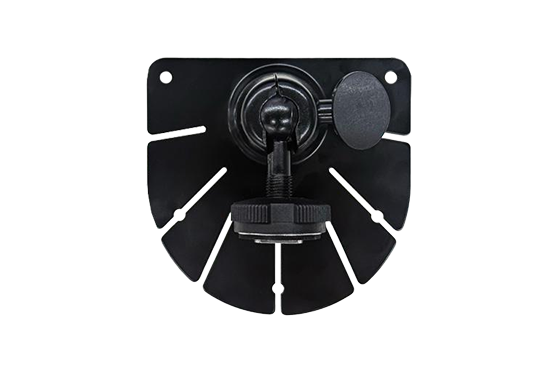
A Wireless Monitor Solution can reduce the work associated with that camera-to-monitor video route. Installers still need secure brackets, protected power connections, suitable antenna positioning, and a final functional check. However, reducing long-distance video wiring can make some retrofit projects easier to schedule and standardize. Manufacturer documentation provides an example of wireless equipment designed to reduce installation time and support interchangeable trailers.[1] The actual benefit should be measured on representative fleet vehicles, since access to power and mounting conditions still determine much of the installation effort.
Grain transport offers a clear application: a long vehicle reversing into position at a silo, warehouse, or receiving area. The driver needs to judge the relationship between the trailer rear, the approach route, and nearby structures. A rear-mounted camera can provide a useful view of the final approach, while wireless transmission reduces the need to run a video cable along the entire vehicle combination. This is particularly relevant when evaluating retrofit options for existing transport equipment.
For long trailers and multi-trailer combinations, the evaluation must reflect the actual working configuration. A successful demonstration with the camera and monitor close together does not prove performance across a loaded vehicle. Test the system with the expected trailer arrangement, typical steering angles, and the buildings encountered during receiving operations. The goal is a dependable picture where the driver needs it, including the final positioning stage when the vehicle may be turning and nearby structures can affect the radio path.
Dump trucks frequently operate in places where the work area changes throughout the day. Material piles grow, equipment moves, and available access routes shift. A rear camera can help the driver observe the approach to an unloading position and assess visible obstacles before stopping. For an existing vehicle, reducing the video cable route can also make a retrofit easier to plan around the body structure and the vehicle's working components.
Camera location requires particular attention on tipping vehicles. The selected position should provide a useful view without exposing the camera to unnecessary impact, covering it with discharged material, or creating a conflict with body movement. The view may change as the body raises, so checking the image only with the body lowered is insufficient. A camera supports situational awareness; it does not establish ground stability, overhead clearance, or whether an unloading operation is otherwise safe to proceed.
A Wireless Monitor Solution may also suit businesses operating vehicles with different bodies, ages, and work assignments. Rental equipment and mixed fleets often make standardized cable routing difficult. A kit with a documented installation method can help workshops repeat the same basic process while adapting camera placement to each vehicle. The strongest business case usually appears where the fleet can reduce installation complexity without sacrificing image availability or introducing burdensome daily setup tasks.
Trailer interchange deserves its own review. Ask how a monitor identifies the intended camera, whether pairing must be repeated, and how the system behaves when several equipped vehicles are nearby. Confirm compatibility across the specific components being purchased rather than assuming all wireless cameras can connect to all displays. A clear handover process matters as much as the hardware: drivers should be able to verify that they are viewing their own vehicle before beginning a maneuver.
Evaluate the Radio Link on the Vehicle
The most useful transmission test takes place on the intended vehicle in its normal working environment. A quoted open-space range alone does not describe performance behind a long metal body or around a busy loading facility. Ask the supplier to explain the conditions behind its range specification and any antenna placement requirements. Then assess picture continuity while turning, approaching buildings, and operating near other equipped vehicles. Record what happens during interruptions and how quickly the image returns.
Assess Image Delay and Startup Behavior
For a Wireless Monitor Solution, picture availability matters alongside picture quality. Delay includes the time required to capture, process, transmit, and display the scene. Buyers should request end-to-end latency information with the measurement conditions, then assess whether the behavior is appropriate for the intended task. Also check the interval between selecting reverse and receiving a usable image, particularly if the camera powers up only at that moment. A sharp picture that arrives too late can be less useful during a short maneuver.
The driver should also be able to recognize when the image is unavailable. During evaluation, deliberately interrupt the camera power or wireless connection under controlled conditions and observe the display. Check whether the monitor clearly reports a lost connection and how it handles the last received frame. A frozen image that looks current could mislead the driver. Documenting failure behavior helps the fleet write sensible inspection and operating procedures before a wider rollout.
Judge the Complete Image, Including the Display
Camera resolution is only one contributor to a usable view. Lens coverage, mounting height, exposure control, nighttime lighting, and monitor placement all affect what the driver can see. An extremely wide view may include more surroundings while making distant objects appear smaller. Test the image against real tasks: identifying the edge of a loading bay, checking the position of an obstacle, and judging the remaining visible clearance. Include bright daylight, shadowed entrances, and typical nighttime conditions.
The display must also fit the cab. Choose a mounting position that allows a convenient glance without obstructing essential controls or the driver's required view. Assess reflections, brightness adjustment, and whether the selected image remains readable from the normal seated position. If several camera views are displayed together, check that each view is large enough for its intended purpose. More channels are valuable only when drivers can interpret the resulting information quickly and consistently.
Match Durability and Power to the Application
External equipment may encounter dust, rain, washing, vibration, temperature changes, and impacts from debris. Request evidence for the environmental ratings of the exact camera, antenna, connectors, and brackets supplied. A rating for one component should not be treated as a rating for the entire installation. Confirm maintenance instructions, including cleaning methods and connector protection, so the equipment can remain usable under the fleet's actual operating conditions.
Electrical integration deserves the same attention. Verify the permitted input voltage, current demand, protection requirements, and intended power connection. If a battery-powered option is offered, evaluate operating time under the proposed usage pattern, charging access, and responsibility for charging. A convenient installation can lose its operational advantage if keeping cameras powered becomes a recurring burden. The best design fits existing maintenance routines and provides a simple way to check readiness before work begins.
A Wireless Monitor Solution is particularly worth evaluating when the long video cable route is a major obstacle to retrofitting. A wired system may fit well when cable paths already exist, the installation is permanent, or the required camera architecture favors dedicated connections. Either approach still needs appropriate component selection, sound installation, and validation. The useful comparison is the complete installed system on the intended vehicle, including performance, maintenance, serviceability, and expected working life.
Avoid comparing purchase prices in isolation. A lower-cost kit may require more installation work, while a higher-priced wireless kit may still need additional brackets, antennas, or electrical preparation. Compare quotes against the same scope: camera coverage, monitor configuration, power connections, installation labor, driver training, and after-sales support. This makes the purchasing decision easier to explain internally and prevents apparent savings from disappearing when the equipment reaches the workshop.
Before expanding a Wireless Monitor Solution across the fleet, select a small group of vehicles that represents the difficult installations and normal operating tasks. Establish a baseline for installation time, workshop downtime, and the current reversing workflow. During the pilot, collect driver feedback on image usefulness, monitor position, startup behavior, and connection reliability. Include maintenance staff, since their experience with mounting security, cleaning access, and fault diagnosis will influence long-term adoption.
Evaluate results against criteria agreed in advance. Track installation hours, usable-image availability during defined maneuvers, reconnection behavior, and maintenance interventions. For operational benefits such as fewer repositioning attempts, compare similar tasks and conditions. Do not translate a short trial without incidents into a guaranteed collision reduction. The pilot should establish whether the system delivers dependable visibility and a manageable ownership cost, giving the fleet a credible basis for a wider deployment decision.
The long-term value of a Wireless Monitor Solution comes from combining useful rear visibility with a practical installation and support process. Define the operating task first, validate the equipment on representative vehicles, and standardize the checks drivers and workshops will perform. For fleets considering an upgrade, AUTOEQUIPS can be contacted to discuss vehicle layout, camera placement, and application requirements. Bring details of the vehicle length, power supply, trailer configuration, and operating environment so the discussion can focus on a suitable, verifiable system configuration.
Usually, yes. Wireless commonly describes the video connection between the camera and monitor. Both devices still need power. Some products support batteries, but buyers should verify the exact arrangement, charging requirements, and operating time before choosing a kit.
A dedicated camera-to-monitor radio system can operate locally without a mobile data connection. Confirm the architecture with the supplier, particularly if the product also offers remote viewing. Local viewing and cloud connectivity are separate functions and may have different requirements.
Potentially, but vehicle length alone does not determine suitability. Body structure, antenna position, articulation, and the surrounding environment all matter. Test the exact camera and monitor combination on a representative vehicle, including normal turns and the final approach to loading or unloading locations.
Some systems support multiple cameras, selectable views, or split-screen layouts. These capabilities are product-specific. Check the maximum supported camera count, pairing method, image size, and switching behavior. Do not assume compatibility between cameras and monitors from different product families.
Recording is not automatic simply because a system displays live video. Confirm whether the selected kit supports recording, what storage it requires, and how footage can be retrieved. Where recording is available, establish the fleet's retention, access, and maintenance procedures before deployment.
A general rear-view camera should be treated as an additional viewing aid. Mirror replacement and other regulated applications require specific approval and installation conditions. Do not assume a wireless reversing kit qualifies for those uses merely because it provides an image of the vehicle surroundings.
Provide vehicle type, overall length, trailer configuration, available power, required camera views, and operating conditions. Include whether continuous viewing, automatic reverse activation, recording, or trailer interchange is needed. Photos of mounting areas can help the supplier propose a configuration and installation scope.